High Quality Print

Low Prices

Free Delivery (UK Mainland)*

Friendly Team of Experts

5 Star Rated By Customers

Order Online Anytime 24*7
If you have ever sent artwork to a printer and been told your file is “too low resolution” or “not suitable for large-format print”, there is a good chance it was not a vector image. Understanding what a vector image is and why it matters can save you time, money, and a lot of frustration when ordering printed signs, boards, or displays.
This guide explains everything you need to know: what vector images are, why they are essential for high-quality printing, which file formats to use, and how to make sure your artwork is print-ready before you order.
A vector image is a digital graphic built from mathematical paths, lines, curves, and shapes defined by points called nodes rather than individual pixels. The key advantage is that a vector graphic can be scaled to any size, from a business card to a 10-metre hoarding board, without any loss of quality or sharpness.
This is fundamentally different from raster images (photographs and standard JPEGs or PNGs), which are made up of a fixed grid of pixels. When you enlarge a raster image too much, it becomes blurry and pixelated. Vector images never do.
Key difference at a glance:
For printed signage, whether that is a Correx board, foamex panel, dibond sign, or large exhibition display, vector artwork is the professional standard. It ensures your logo, text, and brand elements look crisp and precise at any size.
When you order printed boards or signage, your artwork is reproduced at exact sizes, often far larger than anything you would see on screen. This is where vector files prove their worth:
For UK businesses ordering estate agent boards, construction site hoardings, retail displays, exhibition graphics, banners, or display boards, supplying vector artwork from the outset helps ensure consistent print quality and reduces the risk of production delays.
Not all file types are created equal. Here are the vector formats you will typically encounter when preparing artwork for a print supplier:
The industry-standard vector format. If you or your designer uses Adobe Illustrator, this is the native file format. Professional printers widely accept it and retain all layers, fonts, and colour settings.
A universal vector format compatible with almost all professional design and print software. EPS files are ideal for logos and are often the safest choice when supplying artwork to a printer.
An open-standard vector format commonly used for web graphics, logos and digital graphics and can be edited in Illustrator, Inkscape and similar software. However, AI, EPS, and print-ready PDF files remain the preferred formats for professional printing.
A PDF can contain either vector or raster content, depending on how it was created. A PDF exported directly from Illustrator or InDesign with “preserve editing” or “high-quality print” settings is fully vector and ideal for supplying to a printer. Always confirm that your PDF was created from vector source files.
Tip for ordering signage:
When in doubt, supply your original AI or EPS file together with a print-ready PDF. This provides editable artwork for production and a reference version for approval. Avoid supplying only a JPEG or PNG for large-format printing, as these raster formats may not provide sufficient quality when enlarged.
Vector artwork is the preferred choice for logos, text, icons, and branded graphics. However, high-resolution raster images may still be suitable for photographic content, provided they meet the required print resolution. Here is a quick comparison to help you decide:
Feature | Raster (JPG/PNG) | Vector |
Scalability | Infinitely scalable, always sharp | Fixed resolution blurs when enlarged |
Best for | Logos, text, icons, line art, signs | Photographs, complex imagery |
File types | .AI, .EPS, .SVG, vector PDF | .JPG, .PNG, .TIFF, .BMP |
Print quality | Perfect at any size | Dependent on original resolution |
Editing | Easy, shapes and text are fully editable | Limited pixel-based editing only |
Supplying the right artwork saves time and ensures your printed sign looks exactly as intended. Follow these steps before submitting your files:
Many logos in circulation are actually raster images saved with a .png or .jpg extension. Ask your designer or brand team to confirm the source file is vector-based (.AI or .EPS). If you are unsure, open the file in Adobe Illustrator. If it shows a pixelated image inside a box, it is raster, not vector.
Before supplying a vector file to a printer, convert all text to outlines (also called “curves” in some software). This prevents font substitution if the printer does not have your exact typeface installed. In Illustrator: Select All → Type → Create Outlines.
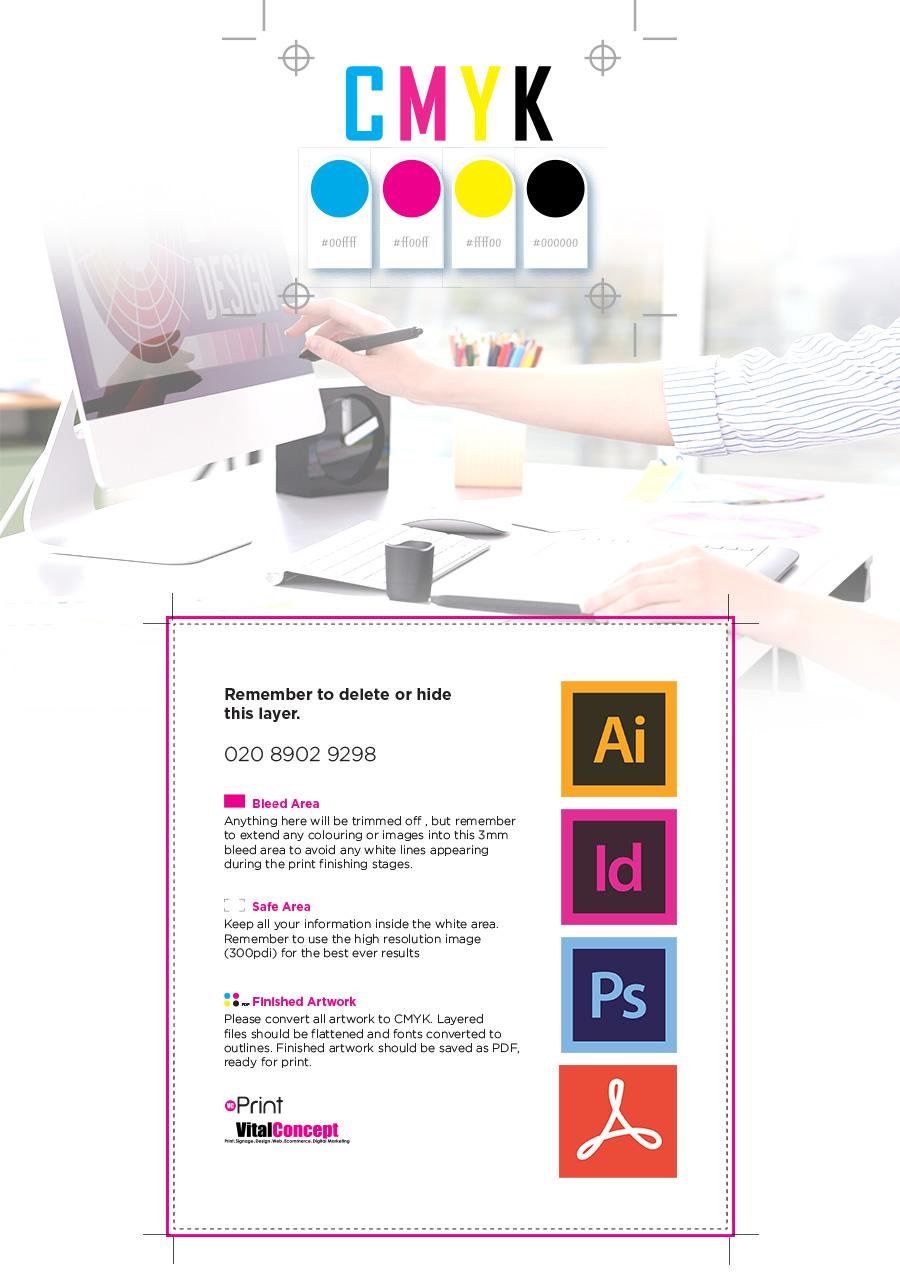
For print, your document should be set to CMYK colour mode, not RGB (which is for screens). If you use Pantone spot colours, include them in your swatch library. Always check with your printer if you are unsure.
For edge-to-edge printing on foamex boards, correx board signs, or banners, your artwork should extend 3–5mm beyond the final cut size (this is called “bleed”). Your print supplier will specify the bleed requirements.
Send your primary vector file (.AI or .EPS) plus a high-resolution PDF for reference. This gives the print team flexibility and a visual confirmation of what the final result should look like.
Understanding vector images is not just a technical exercise; it directly affects the quality of your printed products. Here is where it matters most for UK businesses:
A vector image is a graphic built from mathematical paths that can be scaled to any size without loss of quality. For signage, boards, and large-format printing, vector artwork is the professional standard; it ensures logos, text, and brand elements are sharp, colour-accurate, and print-ready.
The key vector file formats are .AI, .EPS, .SVG, and vector PDF. Before ordering your next sign or printed board, confirm with your designer that your logo and artwork are true vector files, and always outline your fonts before sending files to print.
From one-off projects to large-volume orders, we produce durable, professional signage with fast turnaround times and exceptional print quality. Whatever your application, our team is ready to help.
Discover our printed signage solutions and get a free, no-obligation quote today.
A regular image (such as a JPEG or PNG) is made up of pixels and will become blurry if enlarged. A vector image is built from mathematical paths, so it stays perfectly sharp at any size, making it essential for large-format signage and print.
Not directly; you cannot simply save a JPEG as an EPS and get a true vector file. Conversion requires a process called “image tracing” in Adobe Illustrator or a similar tool, which recreates the graphic as vector paths. This works well for logos and simple artwork, but not for photographs. A graphic designer can do this for you.
Ideally, send an AI (Adobe Illustrator) or EPS file with fonts outlined. A print-ready PDF exported from Illustrator or InDesign is also widely accepted. Always confirm the format with your supplier before submitting artwork.
For small signs viewed at normal reading distance, a high-resolution raster image (300 dpi or above at final print size) may be acceptable. However, for anything involving a logo or brand mark, vector is always the better choice regardless of size.
Outlining fonts converts text into vector shapes. This prevents font-not-found errors if the printer’s system does not have the exact typeface you used. It is a standard step before submitting any artwork for print.

An enthusiastic Graphic Designer professional with strong communication and organisational skills, who is passionate about creating and developing innovative ideas with the client to help them get their business noticed. I work to the highest standards and have an excellent eye for detail with skills in design and organisation. I am a dependable and productive worker whose honesty and integrity provides effective leadership and builds excellent relationships. I enjoy innovatively…

 020 8902 9298
 Quick Quote
 020 8902 9298
  Quick Quote
  Login / Signup